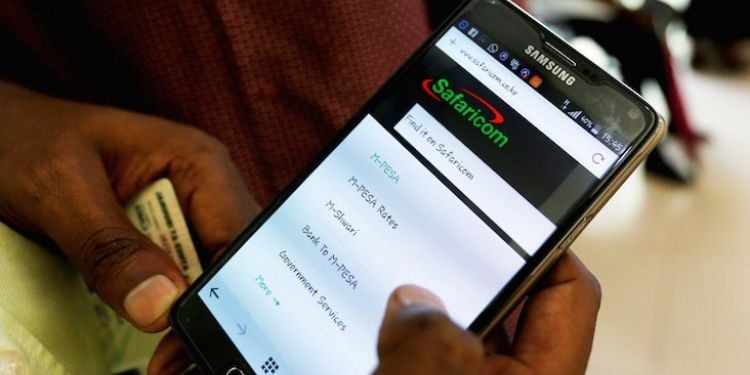

























































Safaricom has reinstated its ‘No Expiry’ data bundles after recently reducing allocations in mid-November 2025. The changes were made on Monday, December 1, 2025, after public uproar.
The ‘No Expiry’ Data Bundles are mobile data packages that do not expire, allowing customers to utilize the purchased data at their own pace, without any time constraints. Unlike regular bundles that expire after daily, weekly, or monthly periods, No Expiry bundles remain valid until the entire allocation is used up.
Customers who received reduced data allocations have been refunded, and the updated rates now offer greater value for money. This decision comes in response to significant public outcry regarding the previous changes.
Safaricom Restores its No Expiry Data Bundles After Cutting Allocations
The company explained that the earlier cuts, which effectively doubled the cost of data, were due to a technical issue. The popular No Expiry bundles, which allow customers to purchase data at fixed or customizable prices with no validity period, have now been fully restored.
Safaricom will also refund the remaining data to all affected users who purchased bundles with reduced allocations. The data offerings are as follows:
- Ksh20 (70MB + WhatsApp)
- Ksh50 (175MB + WhatsApp)
- Ksh100 (500MB + WhatsApp)
- Ksh250 (1250MB + WhatsApp)
Customers who bought bundles between November 22 and December 1 are encouraged to check their balance by dialing *544# and selecting ‘My Data Bundles’, or by contacting support at 100 (for prepaid services).
Also Read: Safaricom Applies for Renewal of Two Key Licences, Kenyans Given 30 Days to Respond
This recent adjustment comes after Safaricom halved the data allocation for several popular mobile and No Expiry data bundles, effectively increasing the cost per MB for customers.
This change was implemented quietly without formal customer notification and applied to packages such as:
- Ksh51 bundle: Reduced from 255MB to 102MB.
- Ksh100 bundle: Reduced from 400MB to 200MB.
- Ksh250 bundle: Reduced from 1GB to 500MB
- Ksh 20 bundle: Reduced from 75 mb to 45 MB
How to Access Safaricom’s No Expiry Bundles
You can buy the No Expiry bundles through the Safaricom App the USSD, or website. Here are the steps:
- Via USSD Code
- Dial *544#
- Select Data Bundles
- Choose No Expiry Bundles
Also Read: Safaricom Unveils First Green Notes Under Ksh 40B MTN Programme — Why the Loan Matters
- Select your preferred bundle or enter a custom amount
- Complete the purchase using airtime or M-PESA
- Via the MySafaricom App
- Open the MySafaricom App
- Tap Bundles
- Select Data Bundles
- Choose No Expiry Bundles
- Enter the amount and confirm payment
Follow our WhatsApp Channel and X Account for real-time news updates.