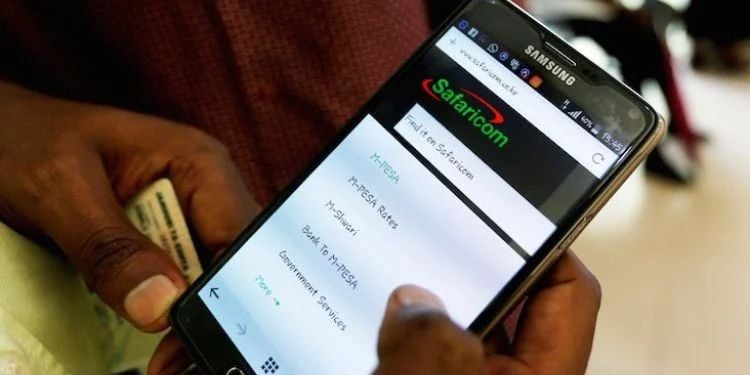
Safaricom has responded to growing customer complaints over persistent end-of-call flash messages that appear immediately after phone calls, displaying airtime balances, call duration, and promotional content.
The messages include details such as the last call duration, the remaining airtime balance, and promotional prompts like the My OneApp.
“Last Call Duration: 33 sec. Airtime Balance: 48.43 KSH. M-PESA App is now My OneApp! All you need in one place: M-PESA, send money, buy bundles, check balances & much more. Update now: https://fintechoneapp.go.link /2vMuh,” read a notification shared by a customer.
According to Safaricom users, the notifications are intrusive and repetitive, especially because they continue to appear even after being dismissed and, in some cases, are saved as regular SMS messages.
Rising Complaints Over Post-Call Flash Messages
Kikulacho, a user on X, has asked Safaricom to stop the message pop-ups, arguing that they are distracting.
Also Read: Why Lipa na M-PESA Is Missing on SIM Toolkit of Some Users
The telecommunications company has now issued guidance on how customers can disable the service through USSD codes.
“Hello@Kikulacho_Ke Kindly dial *100#ok> My account>Airtime and data usage>End of call notification>opt out or *456#ok > My account > End of call Notification > opt out ,”said Safaricom.
To disable the notifications, Safaricom users should dial:
- *100#>
- My Account>
- Airtime and Data Usage>
- End of Call Notification>
- Opt Out>
Alternatively, users can also dial
- *456#>
- My Account>
- End of Call Notification>
- Opt Out>
How To Stop Other Promotion Messages
Safaricom has clarified that users can stop the messages at an individual level using the USSD Code.
“To stop the Safaricom promotional messages dial *456#ok>select stop>reply with 98 to view more options>Stop Safaricom promotion sms & select the intended prompt. Apologies for the inconvenience caused,” said Safaricom.
Safaricom offers a USSD code method that allows users to stop unwanted promotional SMS quickly and without needing internet access.
Steps to follow:
- Dial *456#>
- Select option 9: STOP.>
- Choose option 5: MARKETING MESSAGES.>
- Select option 2: STOP ALL PROMO MESSAGES.
In addition to the USSD option, there are other reliable ways users can manage their incoming messages:
Also Read: How to Switch a Safaricom line to eSIM in Kenya
Contacting Safaricom Customer Care
Subscribers who struggle with the USSD menu or are unsure which service is sending the messages can call Safaricom’s support line on 100 and request assistance to remove specific services or all promotions from their line.
Using MySafaricom App
MySafaricom app provides an interface to manage subscription settings.
After logging in, users can go to their profile or the “My Services” section to view which promotional services they are subscribed to, then tap “Unsubscribe” next to each one they want to remove.
Blocking Specific Numbers
At a device level, phones often allow users to block numbers directly through their messaging app.
This won’t stop Safaricom’s system from sending messages to the inbox, but it prevents notifications and messages from specific sources from being received.
Follow our WhatsApp Channel and X Account for real-time news updates.