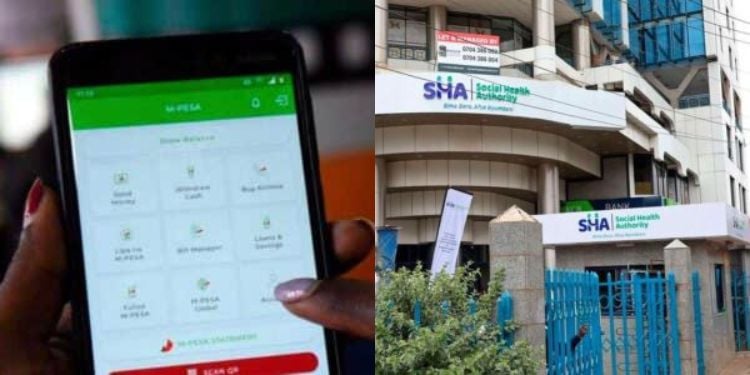
SHA can automatically deduct money from M-PESA accounts without prompting for a PIN if you have activated the Lipa Mdogo Mdogo service and enabled M-PESA Ratiba (standing orders).
To check or stop these unwanted SHA auto-deductions, review your Ratiba setups by dialling *334# on your phone or using the M-PESA App.
Step-by-Step Procedure on How to Stop M-PESA – SHA Auto-Deductions
Step 1: Open M-PESA Options
Dial *334# on your phone or open the M-PESA App.
Step 2: Select M-PESA Ratiba
From the menu, choose M-PESA Ratiba to access your standing orders and scheduled payments.
Also Read: SHA and SHIF, a Misdiagnosis of Kenya’s Healthcare
Step 3: Access Ratiba/Stan
Within Ratiba, select Ratiba/Stan to view all active auto-deductions, including SHA.
Step 4: Identify SHA Auto-Deductions
Check for any unwanted SHA auto-deductions, especially those linked to Lipa Mdogo Mdogo or other subscriptions.
Step 5: Pause or Cancel Deductions
Select the deduction you want to stop and choose the option to pause or cancel it.
These steps will prevent SHA from automatically deducting money from your M-PESA account without your PIN.
M-PESA Ratiba Channels of Access and Features
M-PESA Ratiba is a feature that allows registered M-PESA customers to set up recurring (standing order) payments from their M-PESA account to other M-PESA users or Lipa na M-PESA shortcodes.
To use the service, customers must be registered with M-PESA and, for transfers from a bank account, also have mobile banking activated.
Also Read: SHA Announces Lucrative Tenders for Hospitals to Treat Kenyans Abroad
The service can be accessed via USSD by dialling *334# (Option 9) for automatic payments or through the M-PESA Ratiba mini-app on the M-PESA Super App, which supports both automatic and reminder subscriptions.
M-PESA Ratiba offers two types of subscription models: My Subscriptions, which are pre-authorised by the customer and automatically executed if sufficient funds are available; and My Reminder, which sends a reminder but requires the customer to manually initiate the payment.
Only the automatic model results in deductions without manual confirmation.
M-PESA Ratiba allows users to create, view, and manage recurring payment transactions. Users can define the transaction type (Send Money, Paybill, or Buy Goods), set the amount, due date, time, and recurrence (daily, weekly, or monthly).
The system requires authentication with the M-PESA PIN to save subscriptions, and users can view their total budget against M-PESA balance, manage existing subscriptions, and access transaction history.
Follow our WhatsApp Channel and join our WhatsApp Group for real-time news updates.