On several occasions, Kenyans have been forced to update their registered mobile numbers in the system to maintain access to SHA services.
For example, if one loses their SIM card or can no longer receive OTPs sent by SHA, they must update their registered number to restore access to verification and login services.
This also applies when users change their Safaricom or Airtel number or replace an existing line with a new mobile number.
In cases where an incorrect number was initially registered, users must correct the details to ensure accurate system records.
This update ensures the continued receipt of SMS alerts, benefit confirmations, and other official notifications linked to SHA accounts.
The Social Health Authority (SHA) has explained how registered Kenyans can update their mobile numbers within the Bima Bora Afya Nyumbani system.
In a notice on April 16, SHA assured users who have obtained new mobile numbers can update their details within the system without difficulty.
“Acquired a new mobile number? Worry not, we’ve got your back,” they noted.
How to Update Newly Registered Mobile Numbers on the SHA System
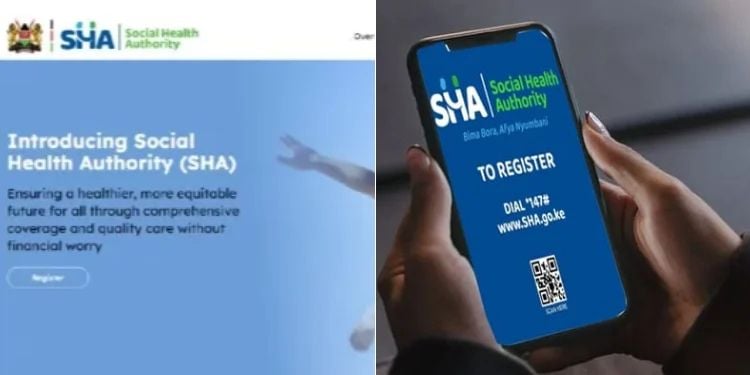
SHA further stated that the mobile numbers update service can be accessed via the USSD code *147#.
Also Read: Full List of Hospitals Approved by SHA for Overseas Treatment
The following process was outlined for the process;
- Dial *147# on your mobile phone to access the service menu used for updating mobile number details on the system.
- Select your ID type (Kenyan Citizen or Foreign Resident) to ensure the correct user category is registered in the system.
- Enter your Kenyan ID number or Alien ID number for identity verification before proceeding to the next stage.
- Select the “Update Details” option from the available menu to access personal information update services.
- Choose the phone number option to proceed specifically with updating or registering a new mobile number.
- Enter the new mobile number to be updated in the system records for future communication and verification.
- Submit to complete the update process, after which the new mobile number is registered in the system.
Also Read: SHA Appoints 25 Claims Officers [FULL LIST]
Guide for First-Time Registration on the SHA System
For first-time users, the registration process begins by accessing the official Social Health Authority system through the designated USSD code or online platform, which provides entry into the enrolment process for new members.
Users are then required to select their ID type, either Kenyan Citizen or Foreign Resident, and enter a valid Kenyan ID number or Alien ID number for verification.
The system prompts applicants to provide personal details, including a mobile phone number, which is used for communication and account verification purposes.
After confirming that all details are correct, users submit the information to complete the registration process and activate their profile in the system.