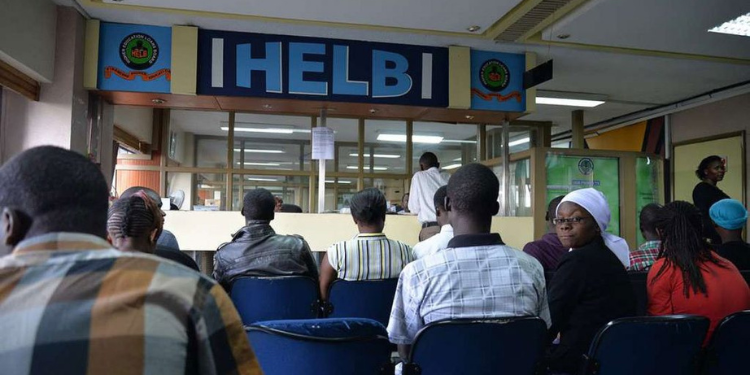
The Higher Education Loans Board (HELB) released its October disbursement update, listing seven batches successfully processed and disbursed as of October 9, 2026, as university students seek updates on their upkeep funds.
In a notice shared on its official page on October 12, HELB listed the dispatch batch numbers whose payments had been processed, urging students to check whether their batch was included.
“The latest batch update is out! Check the poster to see if your batch number is among those successfully processed and disbursed.”
The seven batches are HELB-007062, HELB-007166, HELB-007170, HELB-007171, HELB-007163, HELB-007150 and HELB-007148.
Students can check the batch numbers against the official notice shared on HELB’s page to establish whether their batch appears in the latest update.
For further assistance, students can visit www.helb.co.ke or contact the HELB contact centre on 0711 052 000.
How to Check HELB Disbursement Status
Students who have applied for government funding can follow these steps to check their allocation and disbursement status:
- Visit the HEF Student Portal at www.portal.hef.co.ke.
- Log in using the details used during the application.
- Check the application status to confirm whether funding has been allocated, including batch numbers.
- Review the allocation details to see the scholarship or loan amount awarded.
- Check the disbursement section to establish whether the funds have been released.
Students can also access their HEF account through the HELB App or by using the HELB USSD service.
Also Read: Kenyan University Closes Abruptly Sends Home All Students
How Students Can Confirm HELB Upkeep Disbursement
Students receive an SMS notification from HELB via SurePay once their upkeep funds are disbursed to their mobile payment accounts.
SurePay is an SMS notification service for applicants who selected mobile payment or an M-Pesa wallet when applying for their loans.
The notification is sent after the funds have been released. Students should therefore monitor the phone number linked to their HELB accounts for a message confirming the disbursement.
How to Access HELB Upkeep Funds Through M-Pesa
Students who opted for mobile payments can access their upkeep funds through the M-Pesa App or by dialling *642#.
Also Read: How to Stop HELB Salary Deductions After Loan Repayment
The available options include the Safaricom M-Pesa Mini App and HELB’s USSD service, which enable beneficiaries to access their mobile wallets.
After receiving a SurePay notification confirming the disbursement of funds, students can use the available mobile payment channels to access their money.
The mobile wallet allows beneficiaries to access their upkeep funds and withdraw money. Students can also use the service to apply for subsequent loans.
Follow our WhatsApp Channel and X Account for real-time news updates.