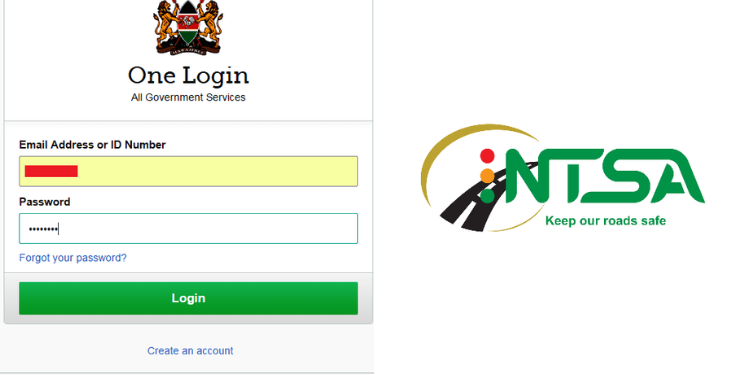

The Directorate of eCitizen Services has announced scheduled maintenance of the eCitizen platform, which will temporarily suspend all payment services on Saturday evening, July 18.
In a notice on July 16, the Directorate of eCitizen Services said the maintenance will take place from 7:00 p.m. to midnight.
“The Directorate of eCitizen Services wishes to notify all users of the eCitizen platform that there will be a scheduled system maintenance on Saturday, 18th July 2026, from 7:00 PM to 12:00 midnight,” read part of the statement.
eCitizen to Upgrade Payment Gateway on Saturday
The directorate said the upgrade is part of ongoing efforts to improve service delivery on the eCitizen platform.
As a result, users will not be able to make payments for government services through eCitizen during the maintenance window.
The Directorate of eCitizen Services apologized for the inconvenience and urged users to plan their transactions accordingly before the scheduled downtime begins.
Also Read: Kenyans to Pay Double Charges as Treasury Plans to Change KSh50 eCitizen Fees
Services That Will Be Disrupted During System Downtime
The eCitizen platform is Kenya’s official digital government portal that provides citizens, residents, and visitors with access to more than 16,000 government services online.
The downtime will affect payments for all government services processed through eCitizen, including:
- Passport applications and renewals
- Driving licence applications and renewals
- NTSA services, including vehicle registration and inspections
- KRA tax payments and related services
- Birth and death certificate applications
- Certificate of Good Conduct applications
- Business registration services
- Marriage certificate applications
- Affordable Housing (Boma Yangu) contributions
- eTA (Electronic Travel Authorization) and immigration services
- Kenya Wildlife Service payments
- National Registration Bureau services
- County government services available on eCitizen
Also Read: REVEALED: Billions of Taxpayers’ Money Diverted to Private Accounts via eCitizen
How to Pay for eCitizen Services
After applying for a government service on the eCitizen platform, follow these steps to complete your payment:
- Sign in to your eCitizen account using your ID number and password.
- Select the government service you want to apply for and complete the application.
- Proceed to the payment page after submitting your application.
- Choose your preferred payment method, such as:
- M-PESA
- Debit or credit card
- Mobile banking or internet banking (where available)
- Complete the payment by following the prompts for your selected payment option.
- Wait for payment confirmation, then download or print your receipt from your eCitizen account.
Follow our WhatsApp Channel and X Account for real-time news updates.