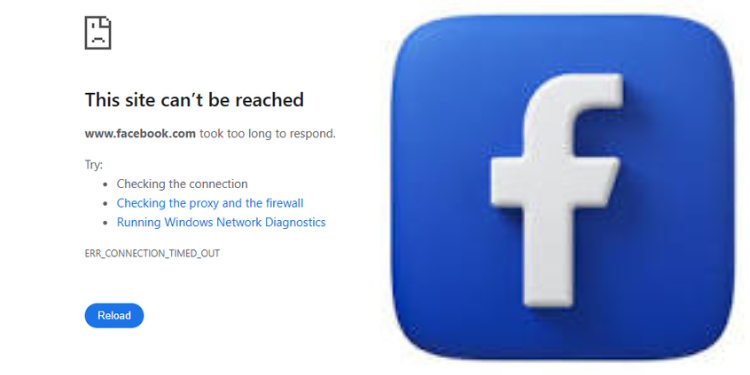
Facebook is experiencing a web outage, and users can’t access the platform.
Many users are receiving connection timeout errors, including “ERR_CONNECTION_TIMED_OUT,” when attempting to open.
The disruption has affected both Facebook’s mobile app and website, with users reporting that the app isn’t loading while the web version is showing connection errors.
At 2:00 PM, users in kenya experienced an outage with a display message saying that the site can’t be reached.
Hmmm … can’t reach this page. www.facebook.com took too long to respond. Try:
. Checking the connection. Checking the proxy and the firewallERR_CONNECTION_TIMED_OUT,” read the message.
Previous Facebook Outages
On July 19, Facebook users experienced global access issues, with some unable to load the platform or use its features.
Also Read: Facebook Introduces Free Badge to Confirm Real Users on Personal Accounts
Facebook displayed a message upon login stating that the platform was experiencing an issue.
“Your account is currently unavailable due to a site issue. We expect this to be resolved shortly. Please try again in a few minutes,” read the message
According to DownDetector data, reports of the outage began around 3:34 AM Eastern Time, with over 1,192 users reporting the issue in the last 24 hours.
However, the disruption only affected the desktop version of the Meta, which appeared to be unavailable, while the mobile applications remain active.
Some users reported access difficulties with Meta accounts, including Instagram.
How to Report a Facebook and Social Media Platform Outage
Users experiencing issues across Meta platforms can report the issue on DownDetector, a crowdsourced outage-monitoring platform. The platform collects user reports and displays service disruptions in real time.
Also Read: Meta Ordered to Disable Instagram and Facebook’s Addictive Features or Face Huge Fine
To report an issue, users should visit the Facebook page on DownDetector at https://downdetector.com/status/facebook/. Select the reporting section and select the type of problem you are experiencing, such as login issues, app problems, website outages, or server connection errors.
Additionally, the user can provide details about the specific problem, including the start time and any error messages received. After entering your information, complete the verification step to confirm you are a real user, not an automated bot.
Follow our WhatsApp Channel and X Account for real-time news updates.