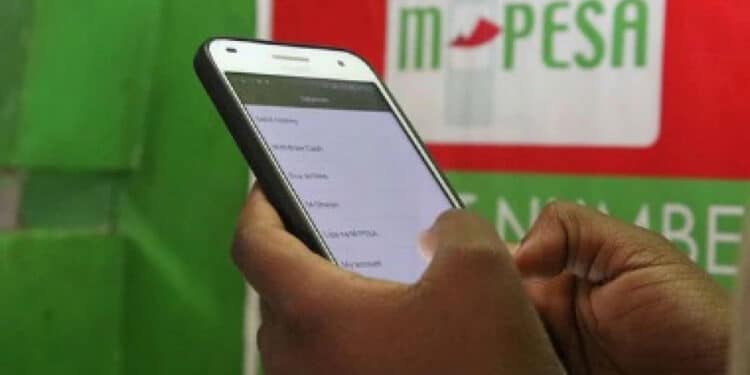
Since its launch in 2007, M-PESA, a service by Safaricom, has allowed users to send money to their loved ones, even over long distances.
It offers a variety of financial services to millions of users, many of whom have little to no access to traditional banking.
M-PESA has contributed to financial inclusion in Kenya, providing millions of unbanked individuals with access to financial services. People in rural and remote areas can securely save, send, and receive money.
The service has also empowered small businesses, farmers, and informal traders by making transactions easier, allowing them to pay suppliers and receive payments more conveniently.
However, some Safaricom users may find it difficult to reset their M-PESA PIN if they forget it. This article explores ways for Safaricom users to reset their PIN without visiting a Safaricom shop.
One of the easiest methods to reset or change your PIN is through the Do-It-Yourself (DIY) service. It is essential to set up security questions, as they are necessary for the PIN reset process.
Steps to reset your M-PESA PIN Using USSD Code *334#:
- Dial *334#
- Select My Account
- Select M-PESA PIN Manager
- Select M-PESA Forgot PIN
- Enter your ID/Passport number.
- Enter answers to the security questions if you had set them.
- Enter New PIN
- Confirm the Reset M-PESA PIN
- You will receive a notification message indicating that you have successfully reset your M-PESA PIN.
However, you are only allowed a maximum of 3 PIN reset attempts after which, you will be barred for 7 days. You can, however, seek further assistance from Safaricom customer care.
Also Read: How to Get a CRB Clearance Certificate Using M-PESA App
PIN reset will not be possible for those who have done transactions in the 24 hours before the reset attempt. It will also not be possible for those who have requested a SIM replacement within 7 days before the reset attempt.
Other Ways You Can Reset Your PIN
Using the App
This is a convenient method if you have the M-PESA App installed:
- Log in to the M-PESA App.
- Select your account profile on the top left.
- Select your personal account.
- Select “Change PIN”.
- Insert and confirm your new M-PESA PIN.
Using the SIM Toolkit/Safaricom Menu
This is the traditional method for changing your PIN, available on everyone’s device. To do this, go to your phone’s SIM Toolkit, also known as the Safaricom Menu.
Also Read: Meet the Faces Behind Safaricom Ownership
From there, select M-PESA, then navigate to My Account and choose Change M-PESA PIN. You will be prompted to enter your current PIN, followed by your new PIN, which you’ll need to confirm to complete the process.
Follow our WhatsApp Channel and X Account for real-time news updates