Kenyans often see monthly deductions from their M-Pesa wallets, and for most people, the charges come from the M-Pesa GlobalPay virtual Visa card, which is commonly used to pay for international services.
These deductions often go unnoticed for months, quietly reducing a user’s balance before they realise something is wrong.
One of the affected users, Shaniz Jayne Njeri, raised the alarm on Facebook after repeatedly being charged without understanding why. She asked fellow users for help in a Facebook post.
“Teach me how to remove this payment too because they are deducting directly from M-Pesa. I’ve seen another person asking. I’ve been paying those people since November,” wrote Shaniz
Her situation is common. These charges occur when “repeat payments,” also called recurring billing, are enabled for services like Google One, Netflix, Spotify, and other international websites.
Once this auto‑billing is enabled, the service renews automatically every month. You don’t get a PIN prompt because that permission was already granted you first subscribed. Many of these payments also include a small forex fee, which makes them even harder to identify.
Safaricom has explained that stopping the deductions requires two steps:
1) Block the auto‑debits on the M‑Pesa/GlobalPay side.
2) Cancel the subscription directly from the merchant’s platform.
Doing only one of these steps is not enough; both must be completed to stop the charges for good.
Also Read: Nairobi Water Guides Customers on How to Stop e-Bill SMS After Relocation
Disable Repeat Payments
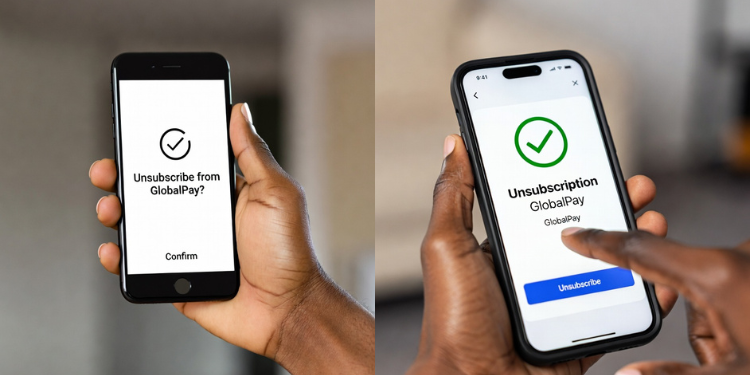
The first step is to turn off repeat payments on your GlobalPay card. This prevents any automatic deductions from happening again in the future, even if the subscription is still active on the merchant’s side.
You start by opening the M‑Pesa App on your phone. Once inside, go to the Grow tab. This is where Safaricom keeps all financial tools, including the GlobalPay card. When you select M-Pesa GlobalPay, you will see the disabled Repeat Payments option. Tap it, then enter your M‑Pesa PIN to confirm.
After you do this, Safaricom sends you an SMS confirming that repeat payments have been successfully disabled. This Immediately Stops Auto‑Debits on M‑Pesa
To disable repeat payments via USSD:
If you don’t have the app, you can still stop the deductions using your dial menu.
Dial *334#, then choose Lipa Na M‑Pesa, followed by GlobalPay. Inside the GlobalPay menu, select Repeat Payments, then choose Disable. You will be asked for your PIN, and once you enter it, the auto‑deductions stop.
Important: Turning off repeat payments does NOT cancel the actual subscription on Google One, Netflix, Spotify, etc. The system simply blocks the payments from going through, but the subscription is still active and will try to charge your card again in the future.
That is why Step 2 is necessary.
Also Read: Safaricom Details How to Fix M-PESA App Transaction History Following User Frustrations
Cancel the Subscription at the Source
Once you’ve stopped M‑Pesa from allowing future charges, you need to cancel the subscription directly from the merchant that is billing you. This step prevents the service from attempting to charge your card again.
Most users experiencing these deductions subscribe to Google One without realizing it. To cancel:
Go to one.google.com or open the Google One app on your phone. Log in with the same Google account linked to your GlobalPay card.
From there, go to Settings or the Membership Plan section, then select Cancel Membership. Confirm your cancellation, and Google will stop trying to charge your card every month.
For Netflix, Spotify, and similar services:
The process is similar. Log in to your account, go to the Account page, and look for the Subscription, Billing, or Membership section. Inside this menu, choose the option to Cancel Subscription or Turn Off Auto‑Renew.
Once cancelled, these services will not attempt to charge your GlobalPay card again.