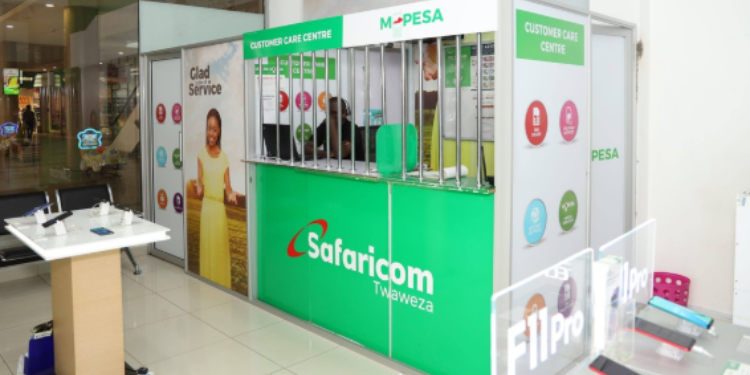




































As the festive season approaches, Safaricom users can now conveniently pay for goods and services using their accumulated Bonga Points.
The mobile loyalty program allows subscribers to redeem points for payments at registered merchants, ensuring a cashless and seamless shopping experience.
This initiative has been rolled out across various supermarkets, fuel stations, pharmacies, and clothing outlets, making it easier for Kenyans to shop while managing their spending efficiently.
Step-by-Step Guide to Redeeming Bonga Points
Using Bonga Points for payments is straightforward.
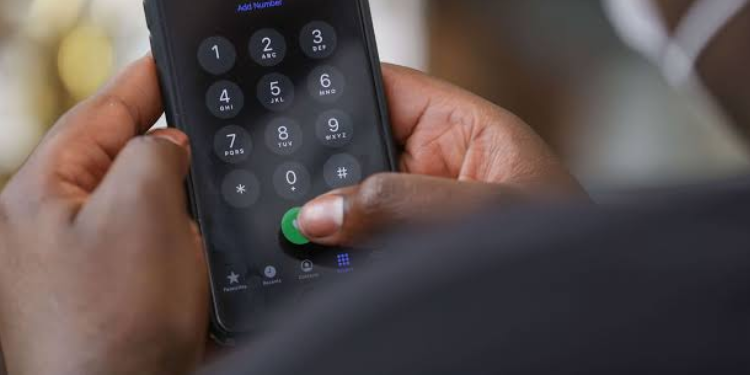
From a Safaricom line, users dial *126# and select the “Lipa na Bonga” option.
The system prompts them to enter the vendor’s M-PESA Till Number and the transaction amount in Kenyan Shillings.
After entering their Service PIN and confirming, the user receives a confirmation message with a transaction ID.
The merchant also receives the same transaction confirmation, ensuring transparency and accountability.
To determine how many points are required for a particular payment, Safaricom provides a Bonga Calculator.
Also Read: Safaricom Sets New Reverse Call Rules
Users dial *126# and select “Bonga Calculator,” then input either the payment amount or the number of points they wish to redeem.
The system instantly calculates and displays the exact points needed.
Checking Balance and Eligible Merchants
Before making payments, users can verify their Bonga Points balance by dialling *126# and selecting “Check Bonga Balance.”
An SMS notification provides the current points available, allowing customers to plan their purchases accordingly.
For redemption, ensure the merchant has a Lipa na M-PESA Buy Goods or Paybill number, as only registered outlets are eligible for Bonga payments.
Safaricom emphasises that no additional fees are charged when using Bonga Points for payments.
Also Read: Safaricom Clients to Pay for Goods and Services Using 5G Bundles
The points are deducted from the user’s balance at a rate of 1 point to KES 0.20, though this rate may be updated periodically through Safaricom’s official channels.
If a user redeems fewer points than the bill amount, they can add more points to cover the difference.
Conversely, if the redeemed points exceed the bill, customers can request a reversal through Safaricom customer care by dialling 234 from a Safaricom line.
This service is non-reversible under normal circumstances, reinforcing the importance of confirming transaction details before finalising.
Safaricom has continued to expand the list of participating merchants, ensuring that customers can use their Bonga Points across supermarkets like Naivas and Tuskys, clothing outlets such as Truworths and Mr Price, fuel stations including Shell and Total, and online platforms like Kilimall.
Follow our WhatsApp Channel and X Account for real-time news updates.